Updated January 30, 2024: We have updated the rollout timeline below. Thank you for your patience.
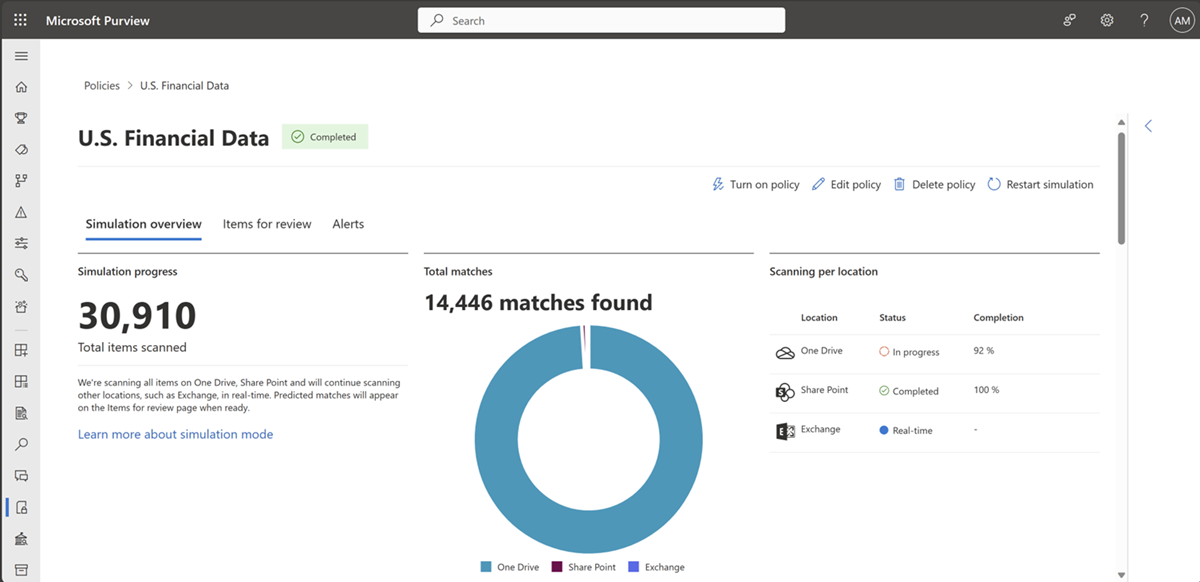
Simulation mode in DLP provides DLP admins with an isolated experience to try a DLP policy, assess its impact, and build confidence in the policy efficacy to eventually reduce the time to policy enforcement. Simulation mode is an enhancement to the existing test mode behavior to help Admins evaluate new policies confidently.
This message is associated with Microsoft 365 Roadmap ID 173626
When this will happen:
Rollout will begin in mid-March 2024 (previously mid-February) and is expected to be complete by late March 2024 (previously late-February).
How this will affect your organization:
1. There will not be any change to end user policy enforcement from the policies that are currently in test mode.
2. Once Simulation mode is enabled (from the DLP settings page), existing test mode policies will come up in the new simulation experience -
a. Summary of policy matches across locations will be available in a single console.
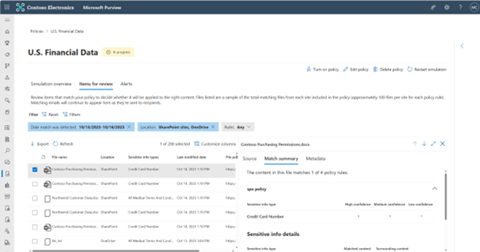
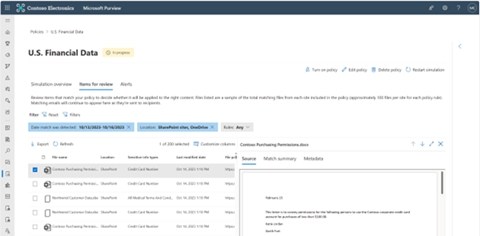
b. A flat list of all matching items with the ability to view file preview, matched conditions etc.
c. Alerts generated by simulation policies are not mixed with enforced policies in the main alerts queue.
3. Any alerts generated from policies running in simulation will be limited to the DLP simulation experience and not included in the DLP alerts in both Purview & Defender portal to prevent disruption to production alerts investigation, allowing admins to assess and finetune the policy without any impact to the production policy.
What you need to do to prepare:
1. During public preview, simulation mode experience can be enabled from the DLP settings page.
2. Once generally available, all existing test mode policies will be available with simulation experience including results from last 30 days. You can restart simulation as needed.