Updated March 11, 2024: We are not releasing this feature to GCC, GCC-H and DoD at this time and apologize for any inconvenience. We will communicate via Message center with a new timeline when available.
Microsoft Teams users will soon be able to create custom backgrounds for their Announcement posts with the generative AI power of Microsoft Designer. This release of Custom Backgrounds for Announcement Posts will be rolling out across Microsoft Teams Desktop and Web for Channels 2.0 in English – US markets only. Non-US tenants may have noticed a temporary loss in the ability to upload an image. For tenants who do not have access to Designer, the ability to upload image will be made available again in early March 2024. In parallel, the team is working to release a globally compliant and localized Designer integration in the first half of CY24.
This message is associated with Microsoft 365 Roadmap ID 123501
When this will happen:
Preview: We will begin rolling out mid-October and expect to complete by late October. - Complete
Targeted Release: We will begin rolling out mid-October and expect to complete by late October. - Complete
Worldwide: We will begin rolling out early November and expect to complete by mid-November. - Complete
How this will affect your organization:
Before, in Channels 1.0, users struggled to "find the right picture," to "find images that work correctly with banner sizing, so it takes ages," etc.
Now, whether users have their own image or an idea in mind, or absolutely nothing at all, they can create rich, engaging backgrounds for their announcement posts through the generative AI power of Microsoft Designer. A few clicks is all it takes--let the imagination run wild!
You can find the entry point icon to the Designer integration at the bottom right corner of the announcement.
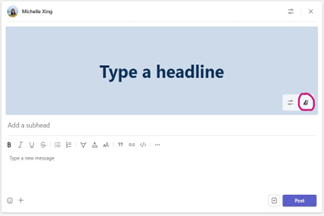
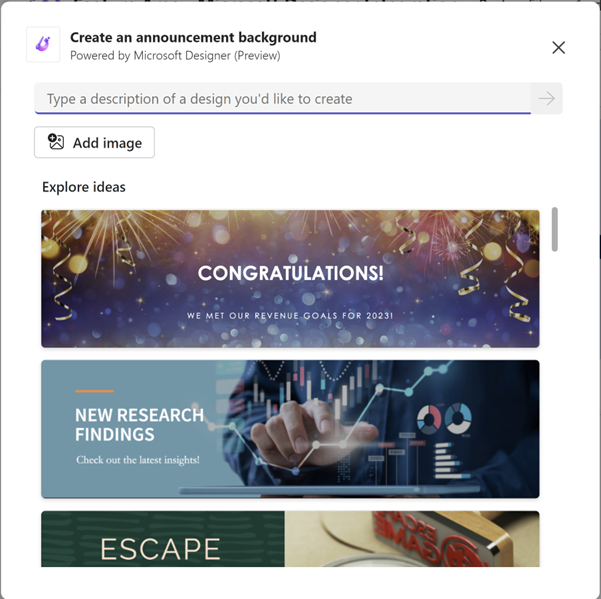
The Designer Mini Dialog is where all the magic happens. You can write a description, upload an image, or click one of the examples we have provided for you to start.
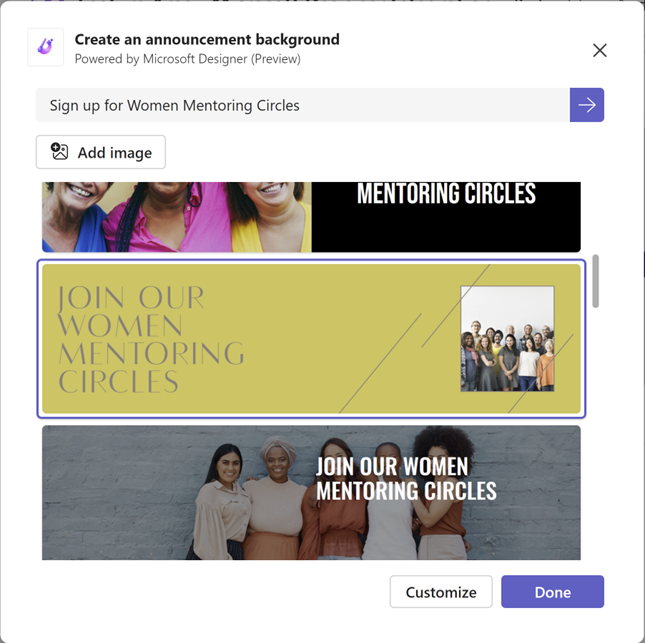
Once you have selected a background you like, you’ll see the option to press “Customize” or “Done.” “Done” inserts the background into your Announcement while “Customize” launches the Microsoft Designer App where you can further customize your background.
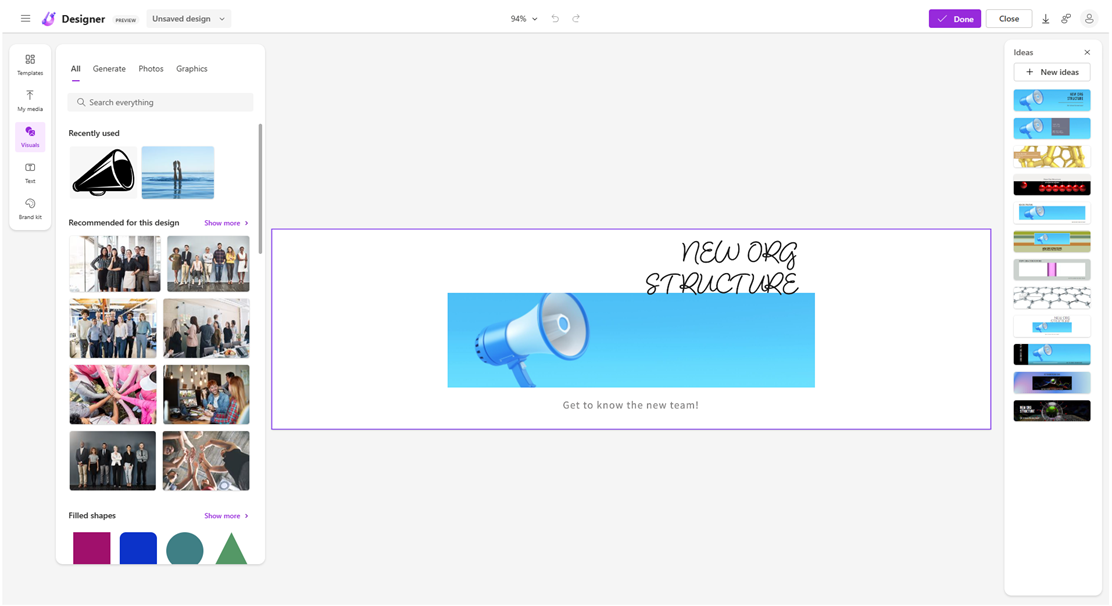
The Designer App provides flexibility and endless power for you to create exactly what you want
What you need to do to prepare:
You may want to notify your users about this new capability to better express themselves and engage their audience in their Announcements. Additionally, due to the inevitable generative AI learning curve, you may want to provide additional training/documentation as you see fit. You can also lead by example and show your users what’s possible.
While we work on making a policy setting available to tenants, this feature will be enabled by default (except in EDU). If there are concerns, please contact support.
We can't wait to see what announcement backgrounds you and your team come up with.