What and why
Microsoft Purview service-side auto-labeling is adding support for legacy Microsoft Office file formats, including Word (.doc), Excel (.xls), and PowerPoint (.ppt). Organizations can automatically evaluate and apply sensitivity labels to these files in SharePoint and OneDrive. These legacy file formats will be supported in both simulation and enforcement.
Rollout schedule
- Public Preview: Beginning in early November 2026 and expected to complete by mid-November 2026
- General Availability: Beginning in late November 2026 and expected to complete by late November 2026
Impact on your organization
Who is affected
- Organizations using Microsoft Purview service-side auto-labeling policies for files stored in SharePoint and OneDrive
Platforms and services
- Microsoft Purview
- SharePoint
- OneDrive
- Microsoft Word (.doc)
- Microsoft Excel (.xls)
- Microsoft PowerPoint (.ppt)
What will happen
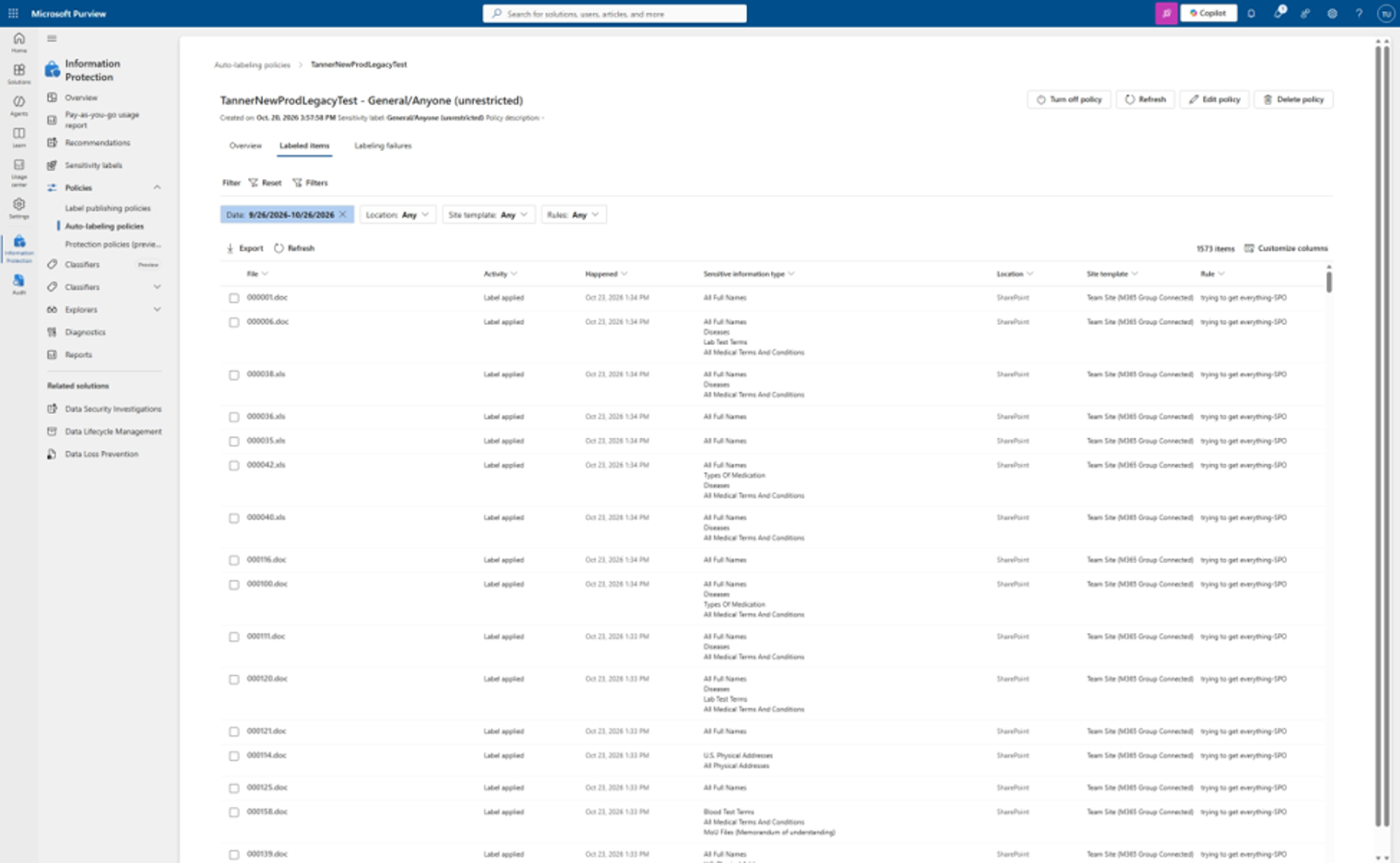
- Service-side auto-labeling will support legacy Word (.doc), Excel (.xls), and PowerPoint (.ppt) files stored in SharePoint and OneDrive.
- New auto-labeling policies will automatically support these file formats.
- Existing auto-labeling policies require a small policy edit and another policy run to restart the crawl and evaluate legacy Office files.
- For example, an admin can add or remove a comment in the policy, save the change, and then run the policy again.
- These file formats will be supported in both simulation and enforcement.
Action required and recommendations
If you want existing auto-labeling policies to evaluate legacy Office files:
- Review your sensitivity labels and auto-labeling policies, including the SharePoint and OneDrive locations in scope.
- Identify the policies for which you want to extend coverage to legacy Office files.
- Make a small edit to each existing policy, such as adding or removing a policy comment, and save the change.
- Run the policy again to restart the crawl so that it can evaluate the newly supported file formats.
- Before enabling a new or updated policy, run it in simulation mode and review the results to confirm that it identifies the intended content.
New policies do not require the additional edit and policy run.
Learn more
Compliance considerations
| Question | Answer |
| Does the change alter how existing customer data is processed, stored, or accessed? | Yes. The change expands the files that auto-labeling policies can evaluate and label to include legacy .doc, .xls, and .ppt files in SharePoint and OneDrive, according to the request. |
| Does the change include an admin control? | Yes. Admins manage the capability through Microsoft Purview auto-labeling policies. Microsoft Learn identifies the Microsoft Purview portal's Information Protection > Policies > Auto-labeling policies surface for service-side auto-labeling. |